How to integrate Payment Gateways into ClickFunnels
For starters, you need to understand that you have 2 available payment gateway options.
2. 3rd Party Product Access Payments Gateway Integrations – Processes payments of products created on external platforms.
Let’s walk through the steps for the integration process :-
1. Log in to your ClickFunnels account. If you are a sub-user, you will require access to the Account Settings.
2. Then, tap on the Profile drop-down menu, and click on Account Settings.
3. Next, you need to Click on Payment Gateways in the left side menu. (This will display a list of previously integrated payment and allows you to add more)
Note: 3 payment gateway connections are permitted under the ClickFunnels Basic plan,
9 are permitted under the ClickFunnels Platinum plan, and
27 are permitted in the Two Comma Club X programme.
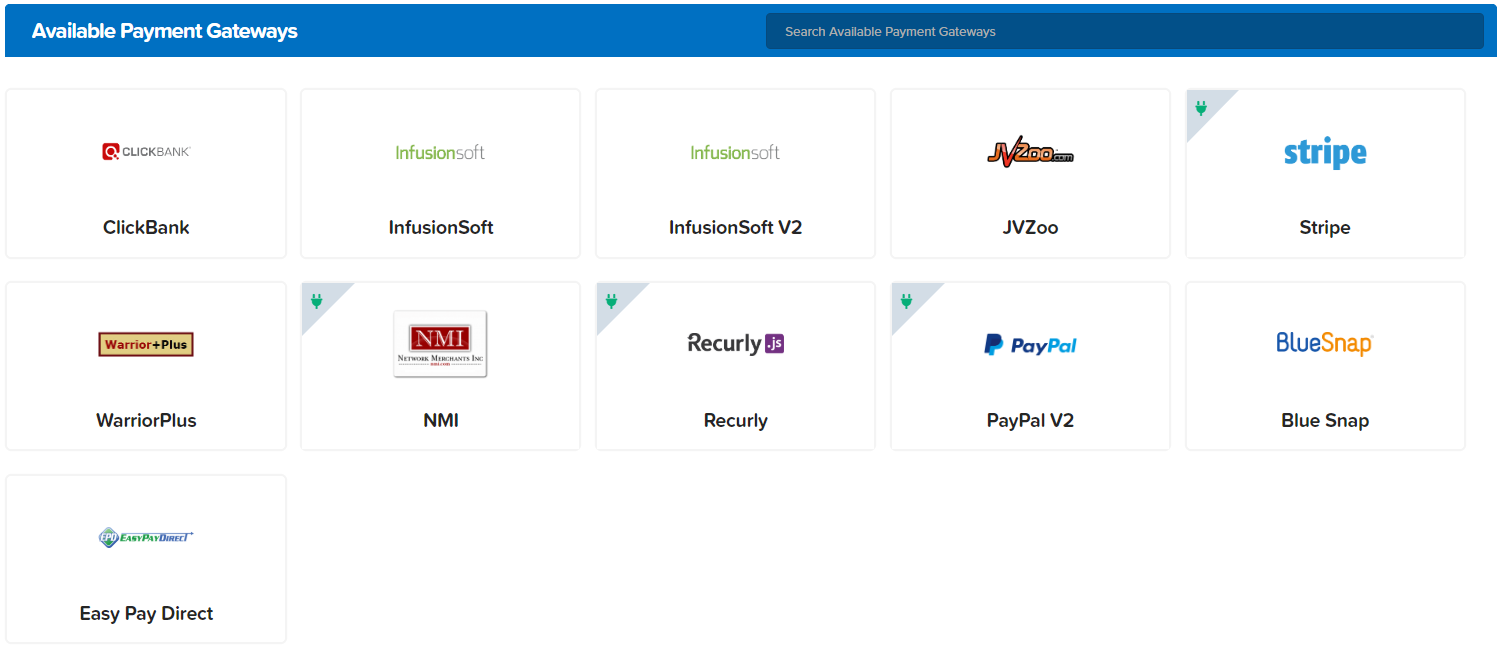
Here are all the available payment gateway options: